Jump To:
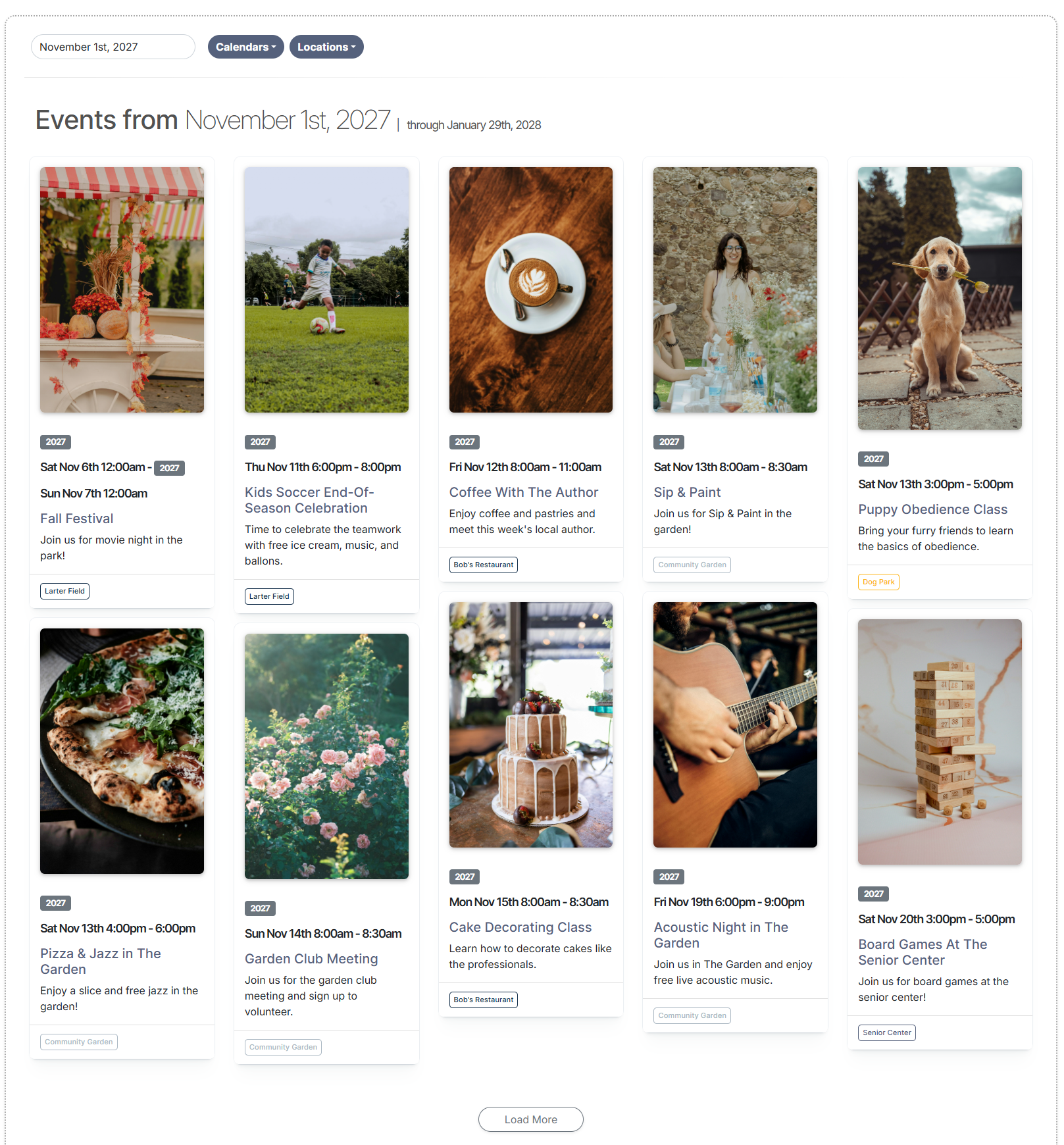
Our Event Board offers a modern, poster-style display that highlights your upcoming events in a clean, eye-catching layout. It’s simple to embed on any website, making it easy to showcase your calendar events in a more engaging and dynamic format. Plus, the Event Board is fully responsive, ensuring a seamless viewing experience on both desktop and mobile devices.
How to Add the Event Board to Your Website
- Go to Settings
- Click on Event Board
- Click the Settings button in the top right
- Toggle the button for "Enabled" to the right
- Toggle the button for "Show all public calendars" on or off
- If you aren't showing all public calendars, select the calendars that you would like to display
- Click Save
- Copy the iframe code to embed on your website
Video Demo
Here's a video demo that displays how to add the Event Board to your website:
Screenshots
Was this article helpful?
That’s Great!
Thank you for your feedback
Sorry! We couldn't be helpful
Thank you for your feedback
Feedback sent
We appreciate your effort and will try to fix the article